
AI server for industry, academia, government, and finance
Use generative AI without sending internal data outside.
LeapShark Ocean — a dedicated AI server for your organization
Put confidential internal information that is hard to use with cloud AI such as ChatGPT or Claude to work in an AI environment built for your organization.
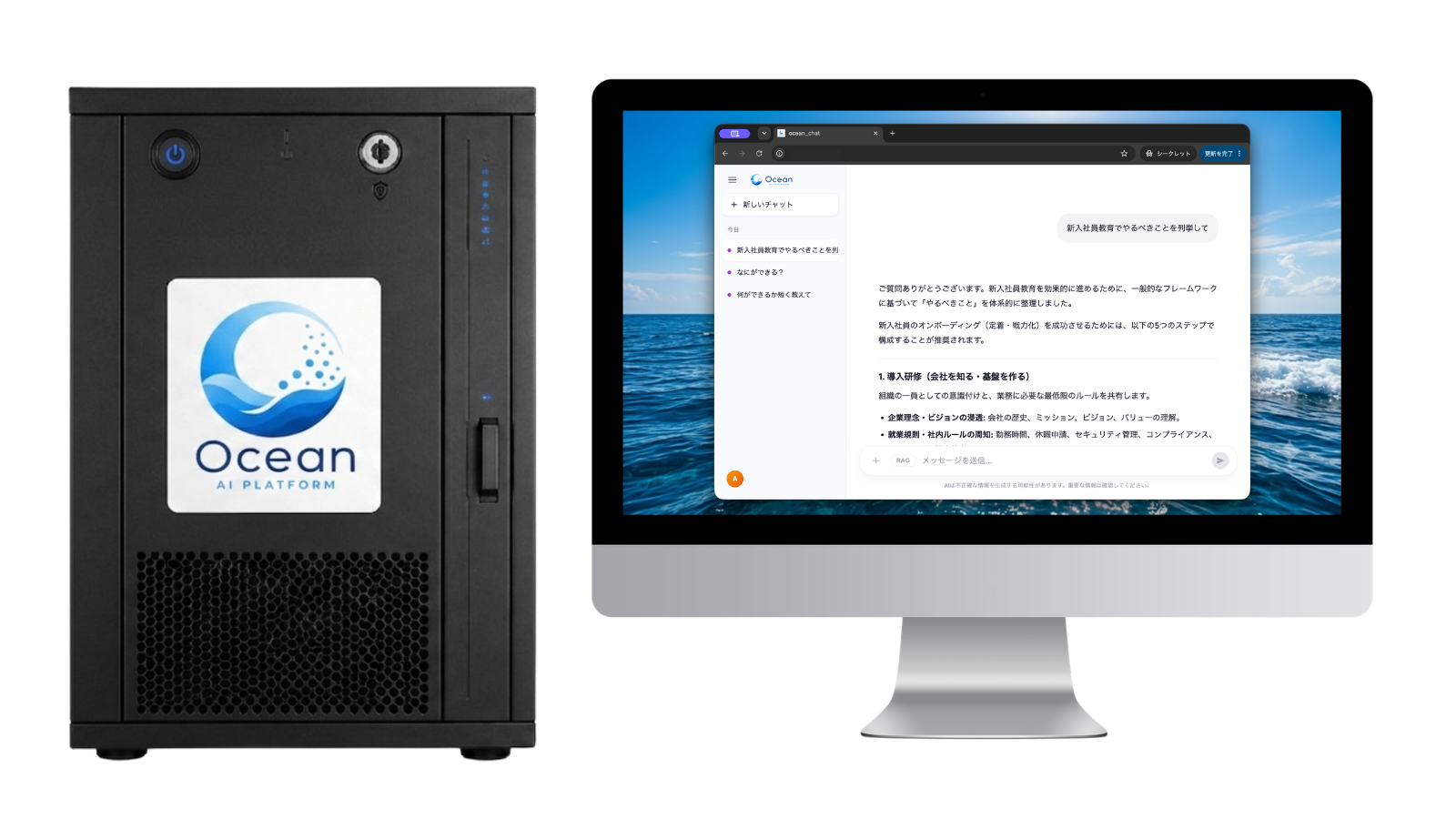
You do not need to buy on day one. Consultation → demo → PoC lets you see whether it fits.
Who it is for
A good fit for industry, academia, government, and finance
If even one item feels familiar, LeapShark Ocean is worth a conversation.
Policy forbids or limits entering internal information into ChatGPT or other cloud AI
Confidential work makes typical generative AI services hard to adopt
You have a large body of policies, manuals, technical documents, and past project files
You work in manufacturing, construction, finance, R&D, or other document-heavy fields
You are in government, a municipality, a university, or a research institute with strict information control
You want AI used across the organization, not only by a few individuals
You want to contain usage-based cloud AI costs as adoption grows
A risk you cannot ignore
Are people pasting internal data into ChatGPT?That input box leads outside the organization.
Customer files, designs, HR records. The information that would save the most time is the information you cannot send out. Even when policy forbids it, personal use often continues.
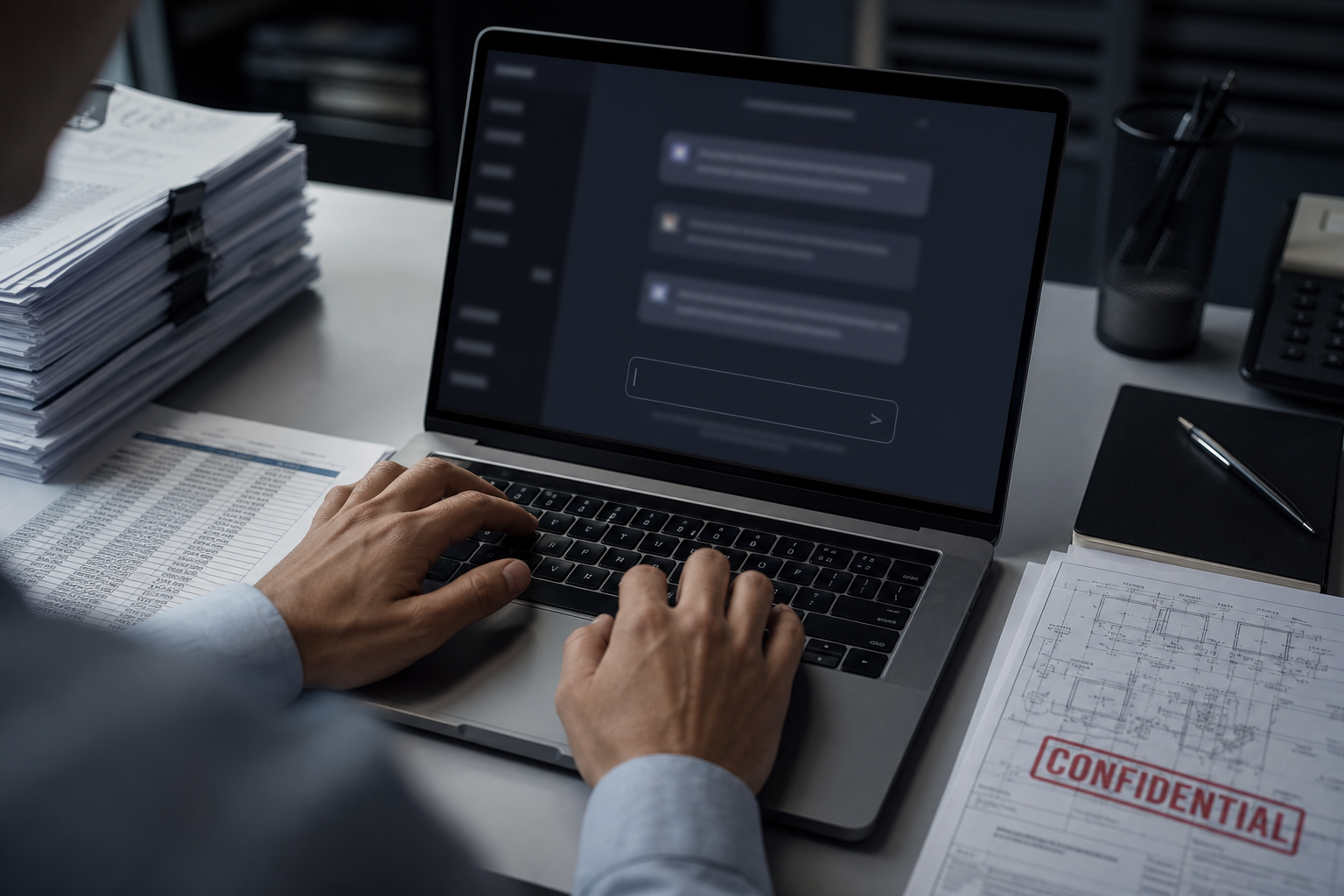
Once it leaves, you cannot take it back.
Cloud AI is useful. The moment you paste, though, you no longer decide alone where that data is stored, who operates the infrastructure, or how it may be reused. Under a strict security policy or a customer contract, a single paste can become a serious incident.
What is already happening at work
Shadow AI becomes a leak path
Even when cloud AI input is banned, people still paste policies, customer names, and design notes into personal accounts. IT never sees that path.
The most confidential files are the ones people paste
Drawings, contracts, source, minutes. The work you most want to speed up is the work you must not send out. Convenience and leak risk sit in the same keystroke.
After it is found, trust does not come back
If a government client or partner forbids sending internal data to external AI, one incident can affect terms or eligibility. Asking for deletion later does not return the file to your hands.
The LeapShark Ocean option
Run AI inside your organization.
LeapShark Ocean is an on-premises AI foundation: a dedicated environment for each organization in industry, academia, government, and finance. You use generative AI on your internal network and search your own documents. It is not individuals using ChatGPT. It is the organization introducing, governing, and using AI.
Is internal data already being pasted into personal ChatGPT?
A ban is not enough. You need an environment where the data you cannot send out can still be used.
What LeapShark Ocean is
A dedicated environment for using AI as an organization.
Not a chat app to hand out. A foundation for confidential data, internal documents, and organization-wide use without watching a usage meter.
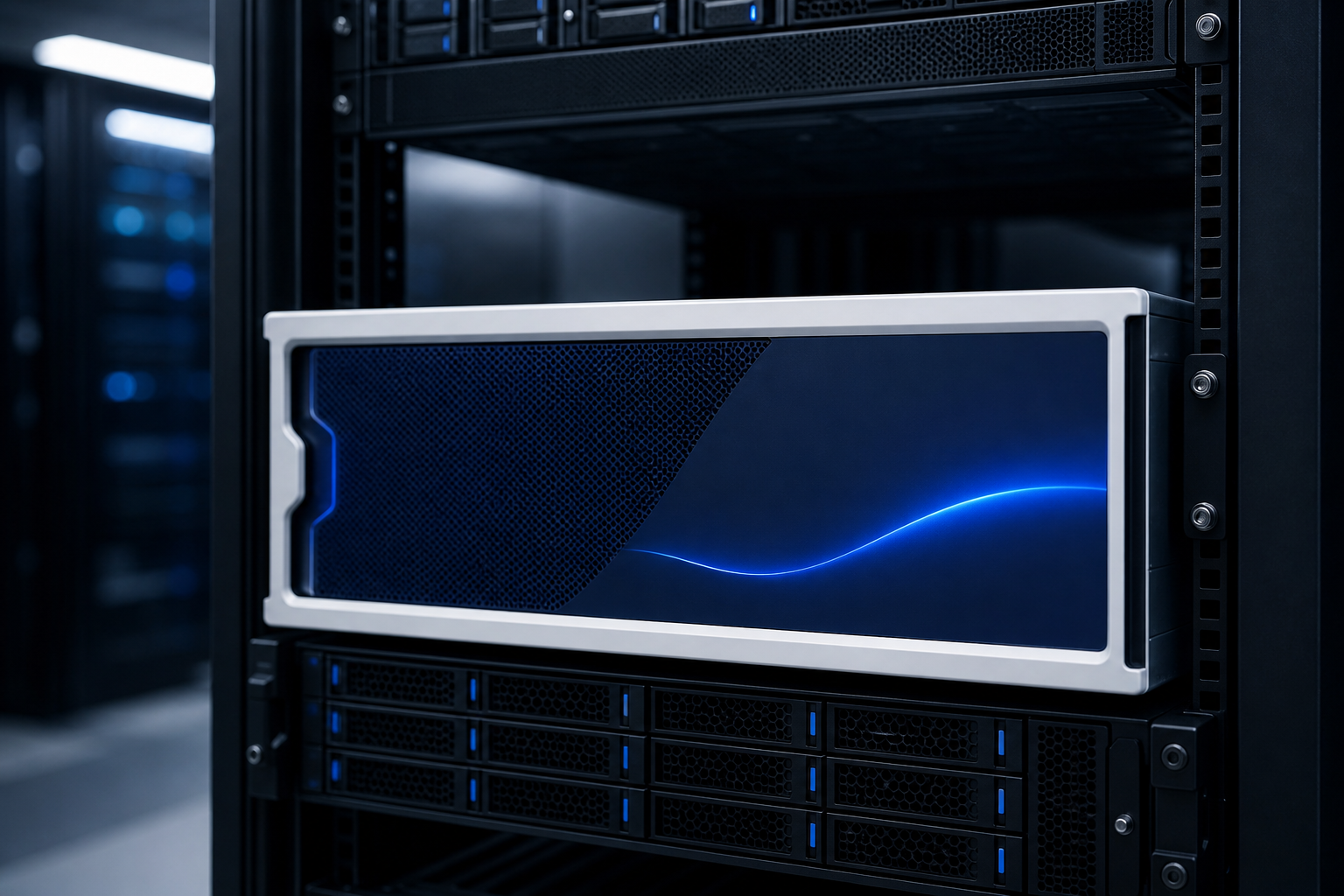

Handle confidential information
Designed for the concern of sending internal or confidential data to external cloud AI. Information you already handle internally can be used in an internal AI environment.
An AI environment dedicated to you
Not a shared cloud service. We build a dedicated AI environment for each organization, aligned with your network and operations.
Put internal documents to work with AI
Policies, manuals, reports, minutes, technical files, and past projects can be searched and referenced. Staff can ask, and the AI finds the material.
Keep usage-based AI fees in check
Unlike cloud AI, cost does not rise with every prompt. Inference runs on your servers: no usage-based AI fees, within the capacity of the hardware.
From a few users to the whole organization
Move from personal ChatGPT use to a governed AI foundation with permissions, logs, and operations.
In actual work
How teams use it
Skip the feature list. These are the moments after go-live.
Ask the policy
“What is the travel expense limit?”
It searches internal policy and answers.
Find a similar past project
“What problems came up on similar work?”
It searches past files and answers.
Search technical documents
“Find past incidents on this equipment.”
It searches across technical documents and shows sources.
Summarize meeting packs
Upload several meeting files
It extracts decisions, issues, and to-dos.
Draft a report
Hand over field notes
It drafts the report.
Demo
Ask your internal files in chat.
Ask a question. The AI searches internal files and answers with sources. Chat, files, permissions, and logs are shown in a demo.
Question → search internal files → answer
1
Ask
Type what you need in everyday language.
2
Search internal files
The AI looks through policies, projects, and technical documents.
3
Answer with sources
It replies in a form you can use, with citations.
What a demo covers
AI chat
Questions and drafting through conversation.
File upload
Bring business files into the corpus the AI can use.
AI agents
Delegate research, summaries, and document work.
Admin console
Operate documents, users, and settings internally.
Permissions
Decide who can see which information.
Log management
Review usage for governance and improvement.
The actual interface is shown in a demo.
From questions on your documents through permissions and logs. You can check usability and retrieval quality in the session.
Comparison
How this differs from typical cloud AI
This is not an attack on cloud AI. Keep what cannot leave on a local AI. Use cloud AI for work that is fine to send out. That split is the practical path forward.
How to use both
The better answer is not either-or.
The practical path is coexistence: cloud AI and local AI (LeapShark Ocean), split by the nature of the information.
Local AI (LeapShark Ocean)
Confidential data, personal data, and other internal information that cannot leave the organization is processed inside a dedicated environment.
Cloud AI
Casual web search and other work that is fine to send out can stay on cloud AI, such as Google’s.
| Typical cloud AI | LeapShark Ocean | |
|---|---|---|
| Dedicated environment | Limited | Yes |
| Confidential internal data | Often constrained | Yes |
| RAG | Depends on the service | Yes |
| AI usage fees | Mostly usage-based | No usage-based AI fees |
| Rolling out to staff | Depends on contract | On your environment |
| Admin and permissions | Depends on the service | Yes |
| AI agents | Depends on the service | Yes |
| On-premises | No | Yes |
“Yes” means it is in LeapShark Ocean’s standard scope. Whether a given cloud AI can do the same depends on that product, contract, and your policy.
We can map what stays local and what can use the cloud.
A free consultation can line up the split with your policy.
Security
Data you send outside leaves your control.
The question is not whether cloud AI is “unsafe.” It is whether the data you type leaves your network. Ocean is the option to run inference inside the organization.

What can follow if internal data goes to external AI
You do not control where it is stored
Which operator, which country, which infrastructure the prompt crosses depends on that service’s terms. It is not sitting on your server by default.
Deleting the chat is not the same as reclaiming the data
Clearing history on screen is not automatically the same as processing on the vendor side. After a confidential paste, your options to undo it are limited.
Personal use becomes an organizational risk
If staff use cloud AI from a personal device, organizational permissions and logs never see it. That private use is the hardest leak path to spot.
Typical cloud AI
- Office PC
- Internet
- Cloud AI
LeapShark Ocean
- Office PC
- Internal network
- LeapShark Ocean
Exact connectivity depends on your network. We do not claim data can never leave or that incidents cannot occur. The design choice is to run inference internally.
Why introduce it
Why own an AI environment
Not to add another chat window. To make AI usable as an organization.
The information you actually need can be in scope
Policies, engineering, customers, past work. What is hardest to send to cloud AI is often what would change the work.
Growing usage does not stall on a usage bill
With no usage-based AI fees, an organization-wide rollout is less hostage to this month’s invoice. Capacity still depends on the server.
IT and admin can operate it
Permissions and logs mean you are not relying on unsanctioned personal tools.
Leadership can explain the investment
Not “someone uses ChatGPT,” but a dedicated environment with a corpus and an operating model.
Implementation cost and comparison
Depending on your usage, total cost can be lower than cloud AI.
LeapShark Ocean requires implementation and server hardware, but has no usage-based AI fees. Depending on headcount and period, its total cost can be lower than continuing to use cloud AI.
PoC
Start with a PoC
You do not have to decide from a brochure alone. Test with your documents and your work first.
Path
- Consult→
- Demo→
- PoC→
- Production
What a PoC can verify
- Whether the AI retrieves your documents correctly
- Answer quality
- Whether RAG helps
- Usability of AI chat
- Concurrent use
- Security requirements
- Effect on real work
Example uses
Where this tends to fit
We are not listing named customer stories here. These are the kinds of work Ocean is built for across industry, academia, government, and finance.

Manufacturing
Search across equipment incidents, procedures, and quality records that live on the shop floor.

Construction
Refer to drawings, reports, and safety files from similar past jobs.

Finance
Support lookup and drafting against customer-facing and internal policy documents that are hard to send outside.

Government
Support inquiry and drafting while keeping documents that cannot be published inside a controlled environment.

Universities and research
Search and summarize research files and internal rules without sending them to public cloud AI.

Healthcare-related
Support lookup and drafting against internal documents within an agreed scope. What may be ingested is defined in requirements.

Professional services
Make policies, proposals, and past engagements usable by the team instead of one person.
How we work
From conversation to production
You do not need a finished spec. We move through conversation and tests toward a fit for your environment.
Free consultation
We sort the work you want, the information you cannot send out, and the constraints.
Demo
See the product and gather material for internal discussion.
PoC
Test retrieval quality, usability, and concurrent use on your documents.
Build and go-live
We build the dedicated server and environment, then set permissions, corpus, and operations.
Ongoing support
We improve the corpus and answer quality from actual usage.
FAQ
Questions we hear first
Common questions at the start of an evaluation.
How is this different from cloud AI?
You use AI in an environment dedicated to your organization, not a shared cloud service. It is designed for internal documents and work, including permissions, logs, and admin. It does not replace cloud AI. Keep confidential and personal data that cannot leave on local AI, and use cloud AI for casual web search and similar work.
Does cost rise with AI usage?
There are no usage-based AI fees. Inference runs on your servers, so you are not billed per token. You still operate within server capacity and concurrent-user limits. We size hardware to your requirements.
How much does it cost?
Implementation cost depends on headcount, configuration, and security requirements. Contact us and we will quote for your organization.
Do we have to go straight to production?
No. The usual path is consult → demo → PoC → production. You can judge fit after seeing quality on your own files.
Can we talk before we know what we need?
Yes. Knowing the work you want, the documents involved, and why cloud AI is blocked is enough. A free consultation will structure the evaluation.
Can you align with IT and existing rules?
Yes. We design around your network, permissions, logs, and operating procedures.
Next step
See whether this fits. Start with a conversation.
Materials, demos, PoCs, and cost discussions are all open. Requirements do not need to be finished.
Start by sorting the problem.
Book a free consultationFor internal review.
View materialsTry it on your documents.
Talk about a PoCTalk through plans and a starting cost.
Discuss implementation costWe also recruit sales partners for LeapShark Ocean.
You can also email or call using the contact details above.
We typically reply within two business days.